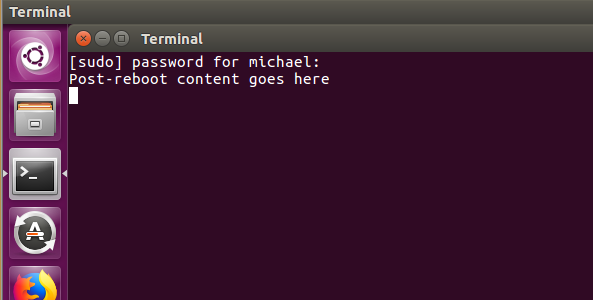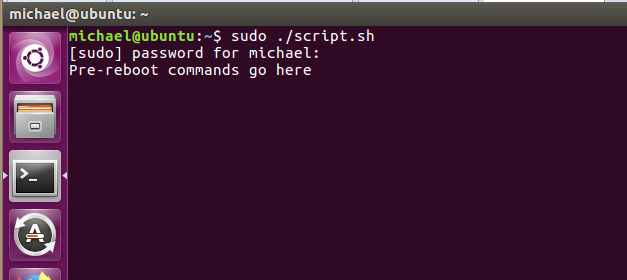
I needed to reboot in the middle of my shell script to install Kubernetes / Brigade, and my Googling found several people with similar questions, but no answers that quite worked for me. Here’s the basic code just to get a shell script to reboot and then resume in a visible terminal after the reboot.
The commands to be run after the reboot are echoed into a new shell script, so characters like slashes and dollar signs need to be escaped with a backslash.
Most of the posts with similar questions mentioned that running a shell script with sudo is a bad idea. Since my script is designed to be run in a sandboxed VM and most of the commands needed sudo permissions anyways, I figured it’s not a problem in this case.
#after rebootecho "echo \"Post-reboot content goes here\"
#remove this from running at startuprm ~/.config/autostart/myScript.desktoprm /home/$SUDO_USER/myScript.sh" >> /home/$SUDO_USER/myScript.sh
#make file executablechmod +x ~/myScript.sh
#set new script to run after rebootcd .config/mkdir -p "autostart/"cd ..echo "[Desktop Entry]Type=ApplicationExec=x-terminal-emulator -e sudo /home/$SUDO_USER/myScript.shName=Testing" >> ~/.config/autostart/myScript.desktop
#before rebootecho "Pre-reboot commands go here"sleep 30
reboot -f
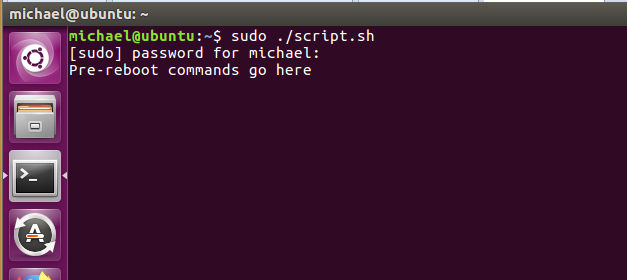
Running the script:
 After the reboot: